
Can you download Instagram videos with Honista?
Yes, Honista may offer a media-download action for videos, Reels or Stories that your account can currently view. The phrase download Instagram videos with Honista describes a usage task, not a guarantee that every post will be saved. A private account, expired Story, restricted post, disabled media access or server-side change can make the button unavailable.
Honista is a third-party Instagram client. The first-party Honista site describes its feature set, while this independent guide explains a careful workflow. If you have not installed the app yet, start with the Honista APK installation guide; if the button already fails, use the ordered troubleshooting checklist instead of immediately downloading an older mirror.
- Save only media that you own, have permission to use, or are allowed to keep under the applicable rules.
- Check that the post is visible to the signed-in account before diagnosing the download button.
- Use a known destination folder and enough free storage before trying a large video.
- Do not provide session cookies, passwords, recovery codes or two-factor codes to a downloader or helper.
| What you want to save | What must be true | Likely result |
|---|---|---|
| Public video or Reel | The account can view the post and the feature is available | Usually the best first test |
| Story still visible to the account | The Story has not expired and access is allowed | May save while it is available |
| Private-account media | The signed-in account has legitimate access | Access is not created by the download button |
| Expired, deleted or restricted media | The server still provides the media | The app cannot recreate unavailable content |
How to download a video, Reel or Story with Honista
The exact labels can move between builds, so follow the purpose of each step rather than trusting a screenshot from an old version. Keep Android's security controls enabled and do not install an extra downloader just because a tutorial uses a different button name.
Test with one short, publicly visible item first. A small successful save confirms the destination and permissions without creating a confusing mix of network, storage and account problems.
- Open the mediaSign in through the account you normally use and open the video, Reel or Story that is visible to you. Do not attempt to bypass a private account or a removed post.
- Open the media actionsUse the post or media menu and look for Honista's save/download action. If the option is missing, first confirm that the item is still available rather than installing a new APK.
- Allow only the needed permissionWhen Android asks for access to photos, videos or files, review the request in system settings. Grant the narrow permission needed for the feature and reject unrelated access.
- Choose or confirm the folderUse a folder you can find later, such as a media or downloads location. Avoid protected system folders and note whether Android's file picker reports a denied path.
- Confirm the saved fileOpen the device file manager, check the filename and size, and play the file locally. If it is incomplete, remove the partial copy and diagnose the network or storage condition before repeating.
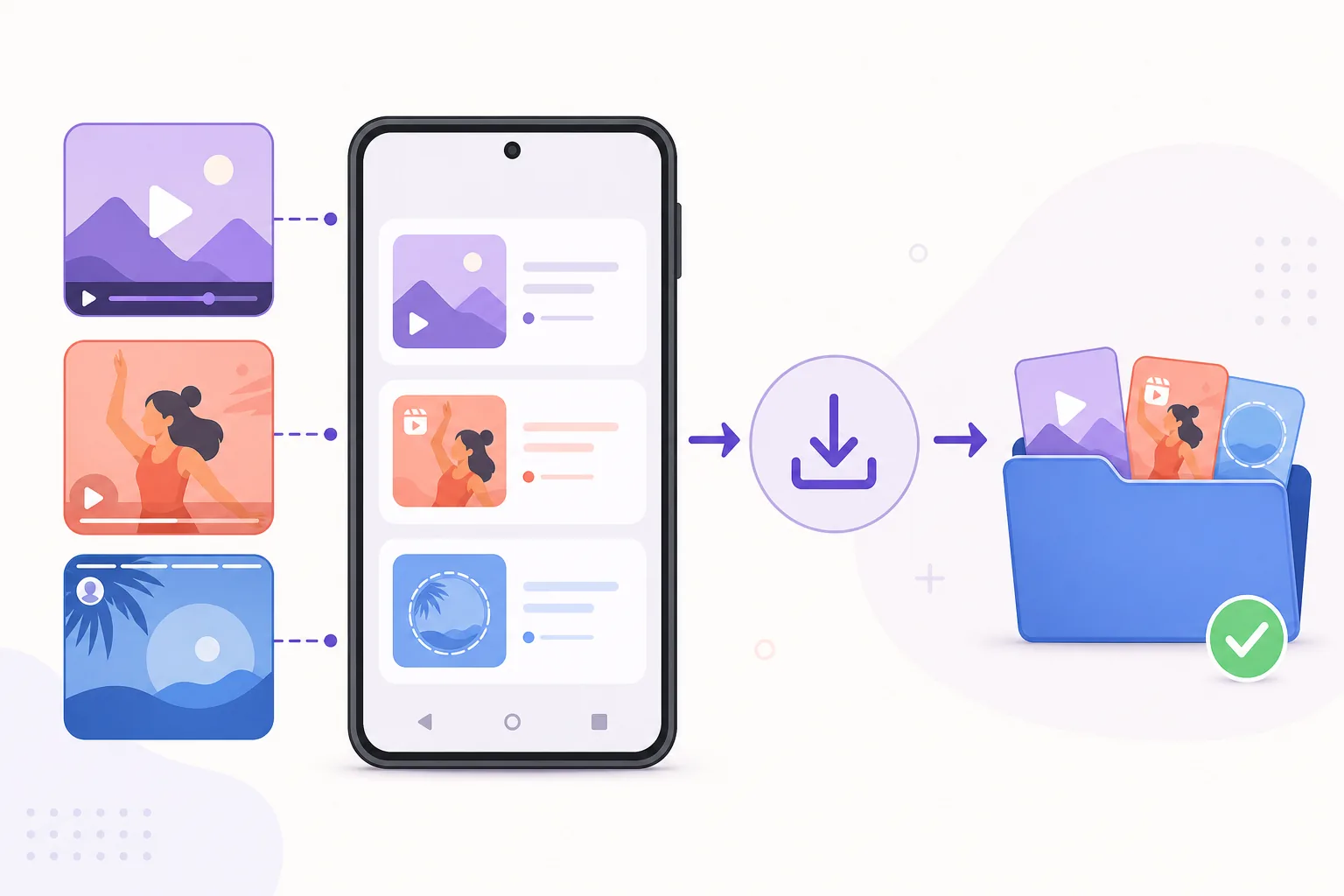
Reels, Stories and private media have different limits
A download feature does not change Instagram's visibility rules. A Reel that plays for your account may be easier to save than a Story that has expired, but both still depend on the current server response. Treat a missing button as an access or availability signal before treating it as an installation fault.
Stories are time-sensitive, and private or restricted media may be unavailable even when a preview remains in a feed. Do not ask another person for their login, import a session file or use a mirror that promises to unlock private media. Those actions create a larger account and privacy risk than the original download problem.
- A public post is not automatically free of copyright or privacy obligations.
- Saving a file for personal reference is different from reposting, monetizing or redistributing it.
- If the creator removes the media or access changes, an earlier local copy does not prove continuing permission.
- When a Story disappears, check timing and account access before clearing Honista data.
| Media state | Check first | Do not assume |
|---|---|---|
| Public and still playing | Account visibility, network and storage | That every format uses the same menu |
| Story near expiry | Whether the Story is still available | That a cached preview can be downloaded later |
| Private account | Legitimate account access | That a third-party app can grant access |
| Removed or restricted | Whether the server still returns the file | That reinstalling restores it |
What to check when Honista media downloads fail
If the download button does nothing, check one layer at a time. Confirm the media plays, switch between Wi-Fi and mobile data, verify free storage, review the media permission and test a different public item. This order keeps a server or access problem from being mistaken for a broken APK.
If the file starts and then stops, inspect the destination folder and remaining space. A partially written file can look like a video but fail to play. Remove only the incomplete copy, then retry once after the connection is stable. For wider app failures, the Honista not working guide covers cache, WebView, battery restrictions, login loops and reinstall decisions.
- Media will not open: test another public item and confirm the original plays inside Honista.
- Button is missing: check whether the feature is supported in the current build and whether the media is private, expired or restricted.
- Download stops: check storage, destination permission, network changes and battery restrictions.
- File is zero bytes or tiny: delete the partial copy, reopen the media and retry after checking space.
- Several features fail: use the official Instagram app as a comparison and follow the safer troubleshooting order.
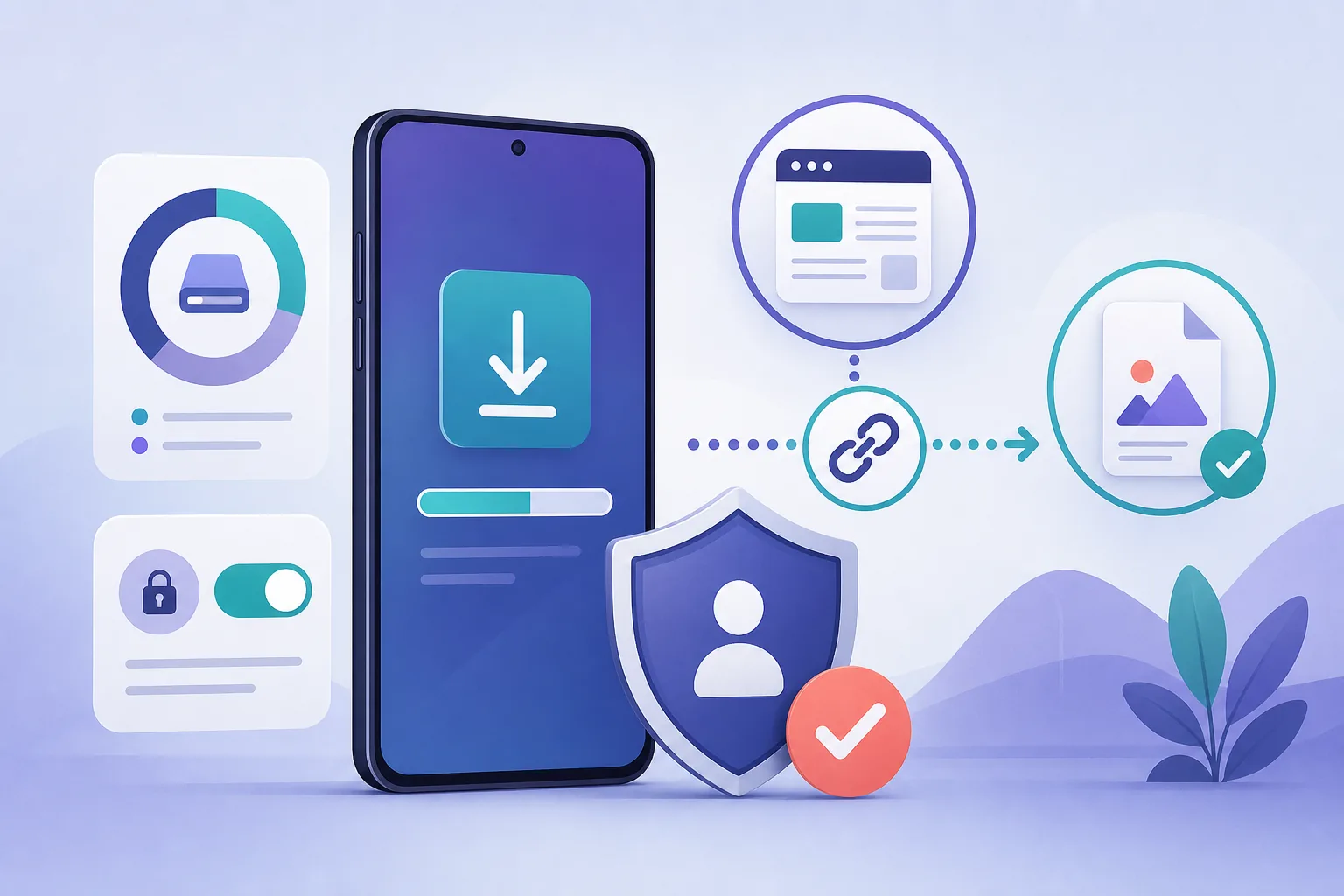
Protect the account and verify the Honista source
A media-download feature is not a reason to disable Android protection or accept an unknown package. The current verified full Honista family remains V13.0 for Android 9+ arm64-v8a, with a 152.9 MB first-party file checked on August 1, 2026. The homepage download route is the maintained CTA; this feature guide does not invent a second APK URL.
Read the Honista safety guide before installing, and use the update guide when an existing installation must keep its settings. Never use a media downloader that asks for Instagram passwords, cookies, session files, recovery codes or 2FA tokens. If an app or tutorial asks for those items, stop and move account recovery back to official Instagram tools.
- Keep Play Protect and normal Android security controls enabled.
- Compare the final host, filename, version, architecture and file size with the verified source record.
- Use a test account only when you understand the account and privacy exposure; a test account does not make unsafe software safe.
- Do not describe an editorial illustration or a clean download as proof that a third-party client is risk-free.
- For the maintained APK CTA, return to the verified Honista download page.
| Signal | Safer response | Red flag |
|---|---|---|
| Official source page and stable file host | Compare version, size and architecture | A shortened or unknown mirror |
| Android permission prompt | Grant only the feature's needed access | A request for unrelated contacts or credentials |
| Login or recovery request | Use official Instagram or Meta recovery | Importing cookies, sessions or 2FA codes |
| Download failure | Diagnose media access, space and network | Disabling device security to force a save |
Honista Instagram Video Download FAQ
Can Honista download Instagram Reels?
It may offer a save or download action for Reels that the signed-in account can view. Availability depends on the current build, media access, server response, storage and permissions.
Can I download an Instagram Story with Honista?
A visible, unexpired Story may be available while the account can access it. A deleted, expired, private or restricted Story cannot be recovered by a download button.
Why is the Honista download button missing?
The media may be private, expired, restricted or unavailable to the account, or the current build may not expose the same feature. Test a public item before reinstalling anything.
Where does Honista save downloaded videos?
The destination depends on the Android version, the selected folder and the app's current settings. Check the file manager and confirm the permission and available storage before repeating a download.
Should I install a different Honista APK if media download fails?
Not as a first step. Check media access, network, storage, folder permissions and the current verified source first. An older mirror can introduce a package, signing or account risk.
Is downloading an Instagram video always allowed?
No. Save only content you own, have permission to use, or are otherwise allowed to keep. Public visibility does not automatically grant redistribution or commercial rights.