

Honista iOS: the quick answer
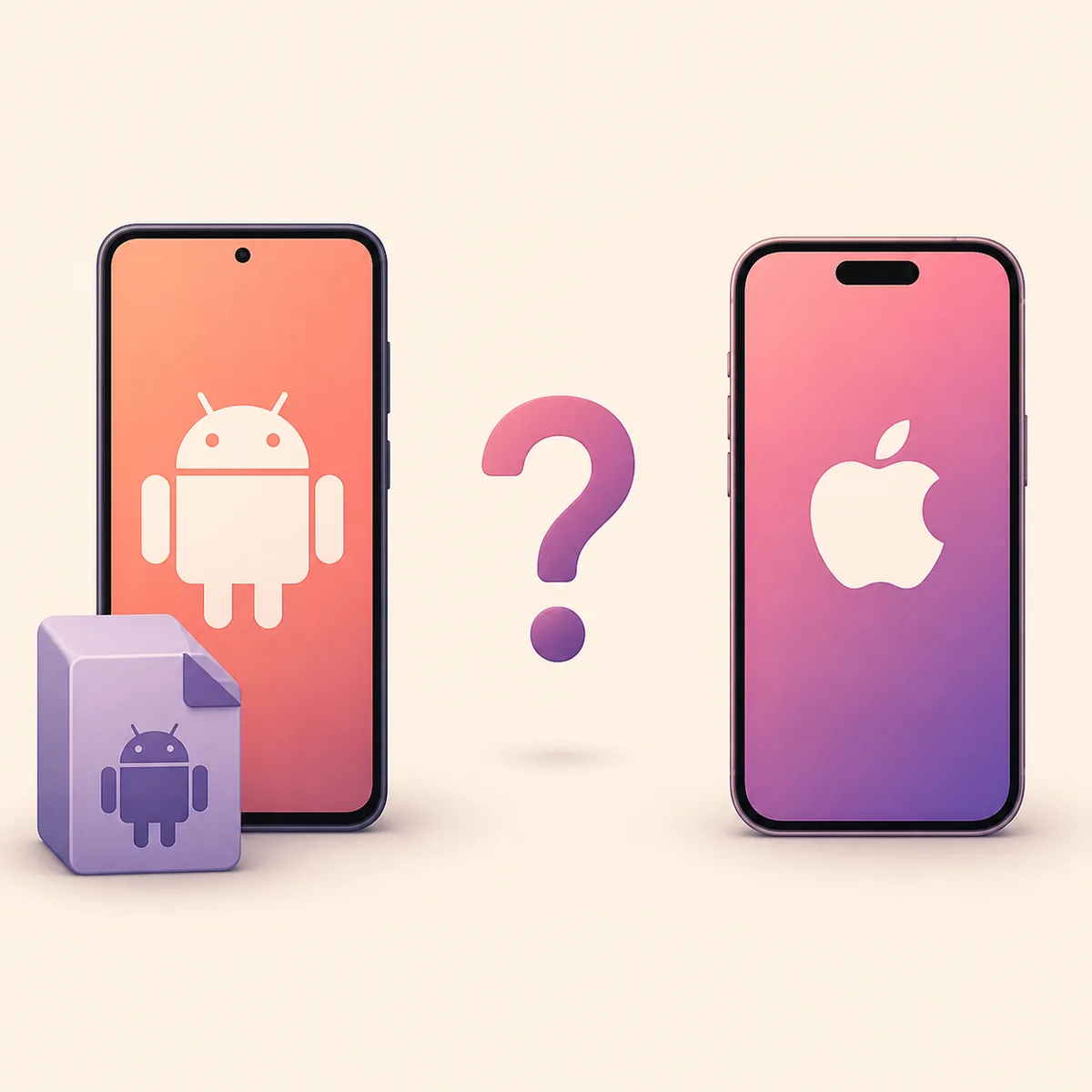
The short answer is no verified official Honista iOS app or IPA was available from the developer's published sources on August 13, 2026. The current product information describes Honista as an Android APK, and the official download path points Android users toward an APK file rather than an App Store package. That means a search result promising an instant Honista iPhone download is not automatically a missing page on the official site; it may be an unrelated application, a repackaged Android file, an advertisement, or a page designed to collect credentials.
This distinction matters because Honista is a product name, while the word Honista can also appear in unrelated app listings and videos. Start with the official Honista home page, compare the platform and publisher claims, and then check the official download page. If those pages do not provide an iPhone package, this site should not create one by guessing a filename or linking to a mirror.
An Android APK and an iPhone application are different package ecosystems. A normal Android APK cannot be installed directly on iOS, and an IPA found on a random domain is not made trustworthy by using the Honista name. The safest answer for an iPhone user is therefore a source check, not a download button.
| What you found | What it proves | Recommended action |
|---|---|---|
| Honista V13.0 APK | An Android package is available | Use the Android installation and safety guides |
| A page offering Honista IPA | Only that a third party made a claim | Verify the publisher; do not enter credentials or install blindly |
| An App Store app named Honista | A name match, not product identity | Compare publisher, official links and product description |
| No iOS file on official pages | No verified official iOS download | Use the official Android source or wait for an announcement |
Do not confuse Honista with a same-name App Store listing
One of the easiest ways to misread the Honista iOS search results is to assume that every App Store result with the same name belongs to the Android APK project. App stores contain many unrelated products, and a matching name alone does not establish a shared developer, package identity, logo, feature set, or relationship with Instagram. A real iOS listing would need to be connected from an official Honista source or clearly identified by the developer, not merely discovered through a keyword search.
Before trusting a listing, compare the publisher name, developer website, privacy policy, support address and description with the official Honista pages. Look for a consistent product identity rather than a familiar icon. If the listing describes a different utility, uses a different developer, or cannot be reached from the official source, treat it as a separate app. Do not sign in with the Instagram account that you use for Honista until the identity is clear.
The same rule applies to videos and social posts. A video titled Honista iOS may show an emulator, a mockup, a different Instagram client, or a sideloading workflow that is not an official release. Video views and a download button are not evidence of provenance.
- A shared name is not a shared publisher.
- A familiar pink or Instagram-style icon is not a software signature.
- A listing that is not linked from an official Honista page should not be presented as the official iOS app.
- Never type an Instagram password into a page that promises a free IPA before it explains who publishes the file.
| Identity signal | Stronger evidence | Weak evidence |
|---|---|---|
| Publisher | Matches the developer's official source | Only the product name matches |
| Website | Official page links to the listing | A download site claims it is official |
| Package | Platform and package details are consistent | A random IPA filename contains Honista |
| Support | Official contact and policy details agree | A chat handle or short link asks for login details |
Why an Android APK cannot be installed directly on iPhone
APK is the package format used by Android. iPhone and iPad software is distributed through Apple's platform rules and package process, so the operating system does not treat an APK as an installable iOS application. Renaming an APK to IPA does not convert the code, signing, permissions or framework dependencies. It only changes the filename and can make a file harder to identify.
An emulator can help a Windows computer run an Android environment, which is why the existing Honista for PC guide discusses Android emulation. An emulator is not the same as installing Honista on an iPhone. Likewise, jailbreak or unofficial sideloading instructions do not create an official release, remove account risk, or prove that the file came from the Honista developer.
- Do not install a file simply because its extension says .ipa.
- Do not disable device protections to force an unknown package to open.
- Do not assume that a browser download, TestFlight invitation or configuration profile is an official Honista release.
- If you only need Instagram on iPhone, use the official Instagram distribution path while you verify Honista's platform status.
| Package or path | Primary platform | Safe conclusion |
|---|---|---|
| APK | Android | Relevant to the current Honista Android release |
| App Store app | iOS | Must be connected to the correct publisher and official source |
| IPA from an unknown mirror | Claims iOS | Unverified; no reason to call it official |
| Android emulator | Windows or another host | Runs Android in a virtual device, not iOS on an iPhone |
How to check a Honista iOS or IPA download claim
If a future page claims that Honista has launched on iOS, verify the announcement before trusting the file. Start at the official website and its changelog, not at a search result that already contains a download button. The official changelog is the right place to look for a platform change, release note or package identity. A legitimate announcement should explain the supported platform, publisher, distribution path and update process in a way that can be checked independently.
The checklist below is deliberately conservative. It does not prove that an unknown IPA is safe; it tells you when the evidence is too weak to proceed. If a page asks for an Instagram password, recovery code, payment, survey completion or a configuration profile before it shows a verifiable publisher, close it. If an old article says that an IPA exists but the current official source does not, treat the old claim as stale or unsupported.
- 1. Start with the official sourceOpen the official Honista homepage, download page and changelog. Do not use a mirror as your starting point.
- 2. Confirm the platform announcementLook for a current iOS or iPhone release note that names the supported device, publisher and distribution channel.
- 3. Match the identityCompare the publisher, support site, privacy policy and package details. A filename alone is not identity evidence.
- 4. Protect the accountNever enter an Instagram password, 2FA code or recovery code into an unverified download flow.
- 5. Stop when the evidence stopsIf the official pages do not link to the file, keep the page as an unverified claim and do not install it.
What can iPhone users do right now?
If you are using an iPhone and want Instagram features, the safest immediate choice is the official Instagram app or website while you monitor the Honista developer's own announcements. Do not download a supposed IPA just because it promises Android-style themes, ghost mode or media saving. Those feature claims can be copied onto an unsafe page, and they do not tell you whether the package is genuine.
If you have access to a compatible Android device, the Android installation guide explains the normal sideload process, while the Honista safety guide explains source, permission and account checks. If your goal is to use Android Honista on a computer, read the PC compatibility guide instead of searching for a fake Windows or iOS installer. The V13 update guide covers Android package changes, not an iPhone port.
The answer may change if Honista publishes a verifiable iOS release. When that happens, check the publisher and official link again before updating old articles or accepting a third-party download. A trustworthy page should be willing to say that no file is available yet rather than inventing a direct link.
- Use the official Instagram route on iPhone while Honista's iOS status is unverified.
- Use an Android device only when the current package and source match the official Android information.
- Use an emulator for PC only as an Android environment; it is not an iPhone solution.
- Return to the official changelog before trusting a future iOS release claim.
| Your goal | Lowest-risk next step | Page to read |
|---|---|---|
| Use Instagram on iPhone | Use the official Instagram app or website | Official Instagram distribution |
| Use current Honista | Check Android compatibility and source | Install Honista APK |
| Check whether a file is safe | Compare source, publisher, permissions and account risk | Honista safety guide |
| Use Honista on Windows | Use a reputable 64-bit Android emulator | Honista for PC |
What this Honista iOS guide does not claim
This page does not claim that a future official iOS release is impossible. It makes the narrower statement that no official iPhone app or IPA was verifiable from the published Honista sources checked on August 13, 2026; the official FAQ says a dedicated iOS version is planned but does not provide a current file. That boundary keeps the page useful without turning uncertainty into a product claim.
It also does not scan or certify third-party IPA files. File safety depends on provenance, signatures, permissions, code behavior and the account conditions around the installation. If you already installed an unknown package or entered credentials into a suspicious page, change the password through the official Instagram route, review active sessions and enable stronger account protection before continuing. For general Android failures, use the Honista troubleshooting guide; for account access problems, use the Honista login guide.
The practical rule is simple: no official source, no verified iOS download. A clear limitation is safer than a confident but untraceable IPA link.
Honista iOS FAQ
Is Honista available on iPhone?
No downloadable official iPhone app or IPA was verifiable from the published Honista sources checked on August 13, 2026. The official FAQ says there has not been an official iOS release yet and mentions plans for a dedicated iOS version, but it provides no current IPA link.
Can I install the Honista APK on an iPhone?
No. An APK is an Android package and cannot be installed directly on iOS. Renaming it to .ipa does not convert the application or prove that the file is genuine.
Is a Honista app in the App Store the official one?
Not necessarily. A same-name listing may be an unrelated app. Check the publisher, developer website, privacy details and a link from the official Honista source before treating it as the same product.
Where can I download Honista IPA?
There is no verified official IPA link to provide at the time of this check. Avoid mirrors that require an Instagram password, survey, payment, configuration profile or an unexplained security bypass.
Can an emulator run Honista on an iPhone?
The PC guide discusses Android emulation on a computer, but that is not the same as running an Android APK natively on an iPhone. Do not treat an emulator video as proof of an official iOS release.
What should I do if I entered my Instagram password on an IPA page?
Stop using the page, change the password through the official Instagram route, review active sessions, check two-factor authentication and avoid reusing the same password elsewhere. Then read the Honista safety and login guides.