

Honista Web: the quick answer
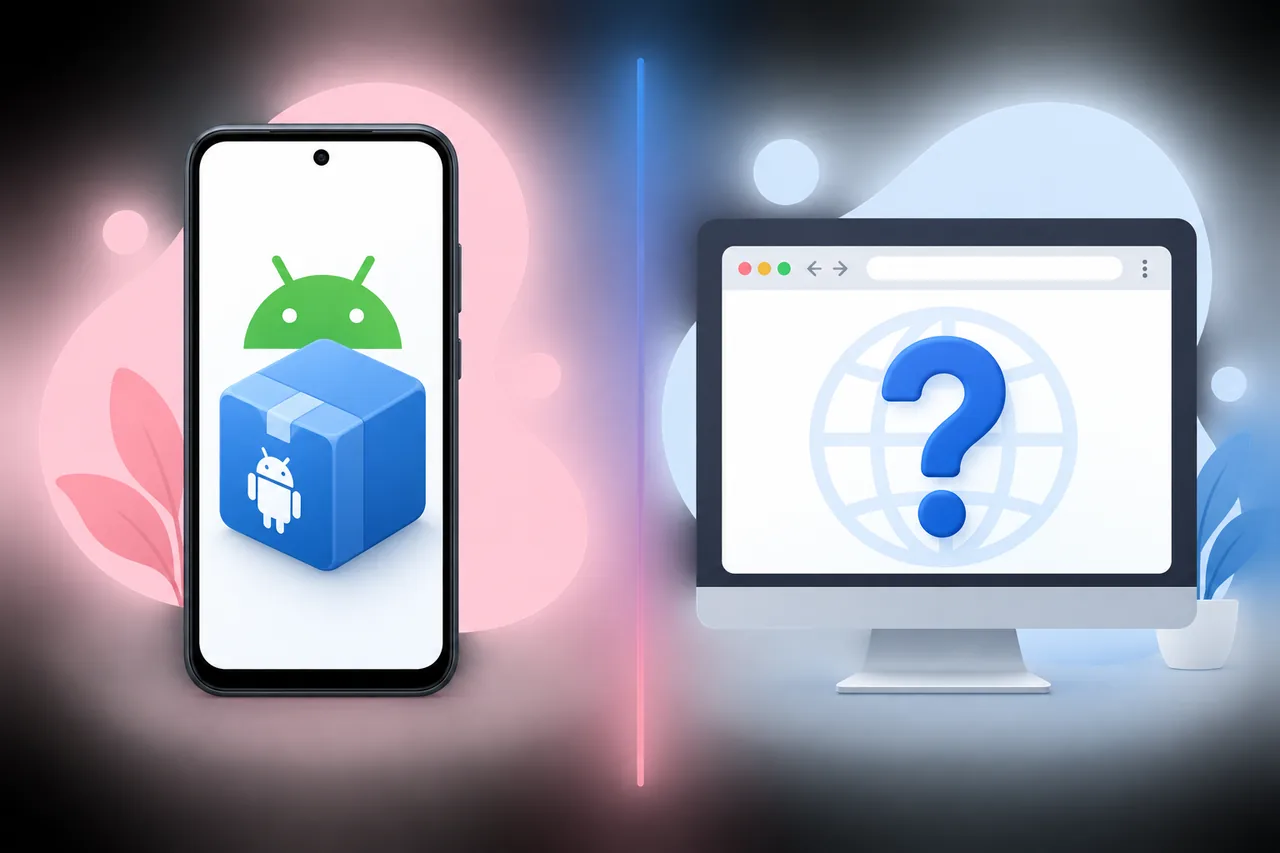
The careful answer is that no official Honista browser version or downloadable Web client was verifiable from the developer's published pages on August 22, 2026. The official home page and download page describe Honista as an Android APK, show Android 9+ requirements, and point users toward an APK package. They do not provide a browser login route, a Web dashboard, or a stable Honista Web installer.
That does not prove that a future web release is impossible. It means a search result, social post, or third-party page cannot be treated as an official release by itself. If a page asks you to sign in with Instagram before it explains the publisher, close the page and start at the official Honista home page. Then compare it with the official download page.
The word online can also be misleading. Official release text may describe tools, updates, or features being added online. That wording is not the same as publishing a browser edition that accepts your Instagram credentials. Keep the product format, publisher identity, and actual distribution path separate when reading a claim.
- No official Honista Web download file was verified in the checked first-party pages.
- The current first-party package remains an Android V13.0 APK, not a browser application.
- A page using the Honista name may still be a mirror, an unrelated service, or a credential-collection page.
- A future announcement should be checked through the official site and changelog before any installation or login.
| What you found | What it proves | Recommended action |
|---|---|---|
| Honista V13.0 APK on a first-party page | An Android package is published | Use the Android installation and safety guides |
| A page titled Honista Web | Only that a third party made a claim | Check the publisher and official links |
| A browser login form | A site wants credentials | Do not sign in until the source is verified |
| No Web link on official pages | No verified official browser release | Keep the claim unverified and monitor the changelog |
How to check whether a Honista Web claim is official
Start with source continuity rather than with a download button. The official home page, download page, and changelog should agree about the product name, supported platform, publisher, and release path. In the pages checked for this article, the visible product information continues to identify Honista as an Android APK. The changelog records Android version information; it does not provide a browser package identity or a separate Web login endpoint.
A trustworthy future announcement should be specific enough to verify. Look for a named platform, an official domain path, a consistent publisher identity, an update note, and a distribution method that does not require an unexplained password handoff. A URL that merely contains the word honista is not enough, and a page can copy the official logo without being connected to the developer.
Do not turn a missing official link into a guessed link. This site therefore does not create a Honista Web download CTA, EXE filename, Chrome extension, or browser login page. If the developer later publishes a real web product, the page can be updated from that first-party announcement instead of treating search snippets as proof.
- Compare the exact domain and path with the developer's published pages.
- Check the changelog for a platform announcement, not just a copied feature list.
- Confirm who operates the login page before entering an Instagram password or 2FA code.
- Record the check date because software claims and unofficial mirrors can change quickly.
- 1. Open the first-party sourceStart with the official homepage, download page, and changelog instead of a shortened link or video description.
- 2. Match the platformConfirm whether the announcement names Android APK, browser, Windows, or another package. Do not infer one platform from another.
- 3. Match the identityCompare the publisher, support domain, privacy information, and release notes. A logo or filename is not identity evidence.
- 4. Protect the accountDo not enter an Instagram password, recovery code, session cookie, or 2FA code into an unverified Web flow.
- 5. Stop when evidence stopsIf the official pages do not link to a Web product, keep the claim unverified and use a documented alternative path.
Honista Web, Honista for PC, and the Android APK are not the same
Searchers often use Web, PC, and online as if they described one product. They do not. A browser edition runs inside a browser and normally has a clearly documented web address and account flow. A PC setup using an Android emulator runs the Android APK inside a separate environment. The current official Honista package is the Android option; the existing Honista for PC guide explains the emulator boundary without calling it a native Windows or browser version.
This distinction matters for both installation and privacy. A browser page can capture credentials through a fake sign-in form, while an emulator can expose you to a wrong APK or a modified package. The risks are different, so a claim should identify the actual software and distribution path instead of using a broad phrase such as Honista online.
| Option | What it means | What to verify |
|---|---|---|
| Honista Web | A browser-based product or service | Official web URL, publisher, login flow, and release note |
| Honista for PC | Android Honista running through an emulator | Emulator source, device architecture, APK provenance, and account risk |
| Honista Android APK | The current first-party Android package | Android version, arm64 compatibility, file source, and update record |
| Chrome extension | A browser add-on with its own package and publisher | Official listing and developer connection; do not assume it is Honista |
Red flags on a Honista Web login or download page
A suspicious page is not made official by using the Honista name, a similar color palette, or a copied logo. Treat the request for credentials as a separate risk from the question of whether a Web product exists. The Honista safety guide covers broader source and permission checks; this section focuses on the browser flow itself.
Be especially cautious when a page promises an instant browser version but sends you through a survey, a shortened URL, a configuration profile, a password prompt, a recovery-code request, or a download that changes file type. Do not install an EXE, APK, extension, or profile merely because the page calls it a Web version. If you already entered credentials, use the official Instagram route to change them and review active sessions.
- The domain is unrelated to the official source and has no publisher or support identity.
- The page asks for an Instagram password before explaining what software is being delivered.
- A Web claim is paired with an APK, EXE, extension, or configuration profile download.
- The page uses fake urgency, surveys, countdowns, or a password/2FA request as an unlock step.
- The only evidence is a video, social post, screenshot, or search snippet without a first-party link.
| Signal | Why it is weak | Safer response |
|---|---|---|
| Copied logo and colors | Brand artwork can be reused | Check the domain and publisher |
| Login before download | The page may be collecting credentials | Do not enter the account password |
| Random APK or EXE | A file is not a browser release | Use the documented Android or PC path |
| No changelog or support page | The claim cannot be independently checked | Wait for a first-party announcement |
What to do if you want Honista on a computer
If your goal is to use Android Honista on Windows, read the PC compatibility guide and treat the setup as Android emulation. The page should not be described as a native Honista Web release, and an emulator does not turn an APK into a browser app. Verify the emulator, device architecture, storage, and APK source before signing in.
If your goal is only to browse Instagram or manage an account, use the official Instagram web or app route instead of handing credentials to a page that claims to unlock Honista Web. For Android updates, the V13 update guide covers the current package family; for first installation, use the APK installation guide.
A future Honista browser release should be checked at the same three source points: the official product page, the official download or access route, and the changelog. If those sources remain Android-only, the honest answer remains that no official Web version has been verified.
- Use an emulator only when you understand that it is an Android environment.
- Keep the APK and its source separate from any browser login claim.
- Use official Instagram account tools when account security is the immediate concern.
- Recheck the official changelog before trusting a future Honista Web announcement.
What this Honista Web guide does not claim
This page does not claim that a future official browser release can never exist. It records the narrower result of a source check performed on August 22, 2026: the published Honista pages reviewed for this task identify the product as an Android APK and do not provide a verifiable Web download or browser login path.
It also does not scan or certify third-party pages. A real-looking browser screen, a high search ranking, or a copied product logo cannot prove publisher identity, code safety, account protection, or an official relationship. When the evidence is incomplete, leaving the Web claim unverified is safer than adding a download button that the source cannot support.
For account issues, use the Honista login guide and official Instagram recovery. For general app failures, use the Honista troubleshooting guide. Keep platform claims, package claims, and account claims separate.
Honista Web FAQ
Does Honista have an official Web version?
No downloadable official Honista Web product or browser login page was verifiable from the published first-party sources checked on August 22, 2026. Those pages still present Honista as an Android APK.
Can I log in to Honista through Chrome?
Do not assume that a Chrome login page using the Honista name is official. Verify the exact domain and publisher through the official Honista site before entering an Instagram password, 2FA code, or recovery information.
Is a Honista Web APK or EXE download real?
A file labelled Web, APK, or EXE is only a claim about a file. No official Honista Web file was verified in the sources checked for this guide. Use the documented Android package or the existing PC emulator guidance instead.
Is Honista for PC the same as Honista Web?
No. Honista for PC refers to running the Android APK in an emulator or similar environment. A Web version would be a browser-based product with its own official access path.
What should I do if I entered my Instagram password on a Honista Web page?
Stop using the page, change the password through the official Instagram route, review active sessions, confirm recovery details, and refresh two-factor protection. Then review the Honista safety and login guides.
How will I know if an official Honista Web release appears?
Check the official Honista product page, its download or access page, and the changelog together. A credible announcement should identify the platform, publisher, access path, and update process without requiring an unexplained credential handoff.