
What does Honista Mod APK mean?
The phrase Honista mod APK is a search label, not a guarantee that every file with that name comes from the same publisher. In practical terms, it normally refers to an Android package that changes Instagram's interface or adds functions such as media controls, visibility settings, themes or feed filters. The exact package, signature, permissions and update path still matter more than the label.
Honista is not the official Instagram app. A modified client can interact with an authenticated Instagram account while being distributed through a manual APK download. That creates a different decision from installing an ordinary store app: you need to verify the publisher, final file host, package identity, architecture and recovery options. The existing Honista safety guide covers the broader source and account checklist; this page narrows the focus to the mod feature claim itself.
- Treat the name as a category label until the publisher and release path are confirmed.
- Separate a feature claim from proof that the current APK really contains that feature.
- Keep account recovery, two-factor authentication and Android security controls available before testing a third-party client.
Which Honista mod APK features can be documented?
The safest way to describe Honista features is to use the developer's current release notes and then mark what remains version- or account-dependent. The official Honista changelog records release changes, but a changelog is not a promise that every control works on every Android build, Instagram account or media type.
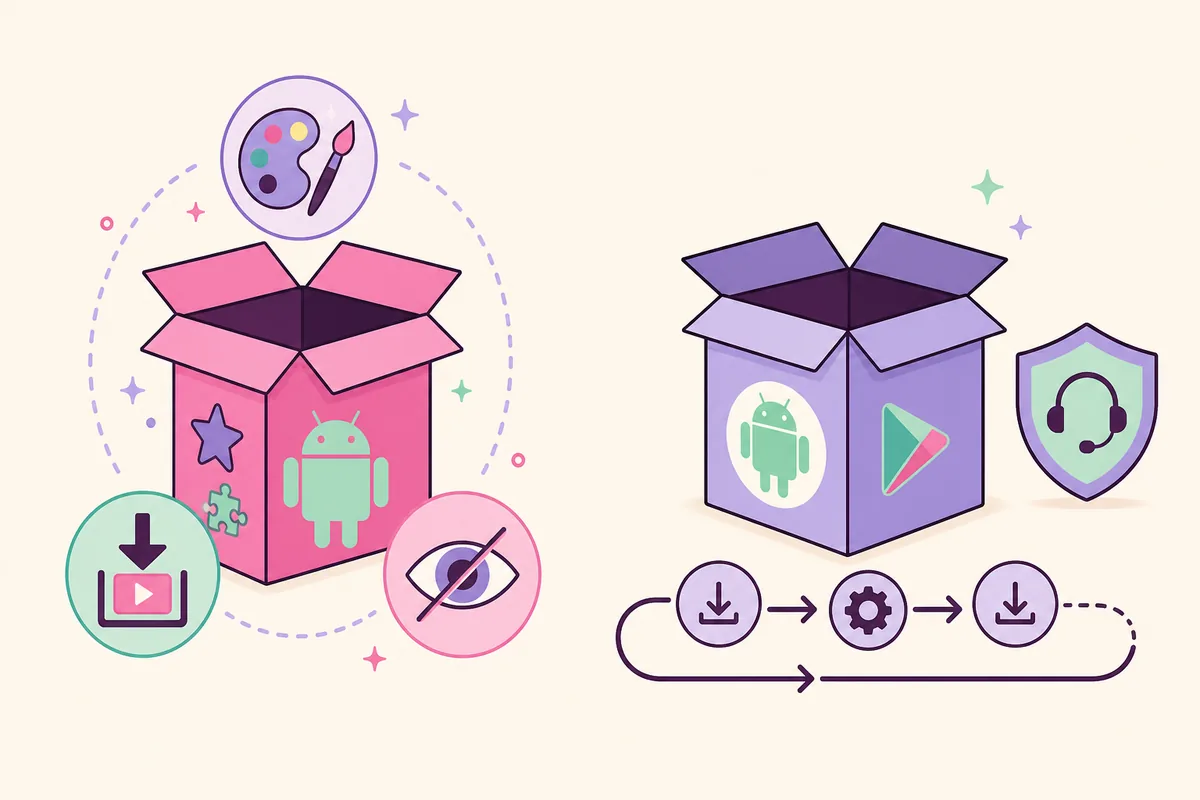
Feature-rich wording is common in download results, yet more toggles do not prove better privacy or stability. Use the categories below as a review checklist. If a page only repeats a long list of features, gives no version, and sends you through a shortened URL or an extra installer, stop before installing.
| Feature area | What the claim may mean | What to verify |
|---|---|---|
| Media controls | Saving accessible videos, Reels or Stories | Account access, storage, permissions and rights to keep the media |
| Visibility controls | Ghost-style or seen-status settings | The current build, server behavior and whether the control is still documented |
| Themes and interface | Colors, layouts or extra customization | The exact release and whether the option changes only appearance |
| Filtering and feed tools | Additional content or feed controls | Current release notes, account behavior and unexpected permissions |
Honista Mod APK vs official Instagram
The useful comparison is not simply “more features” versus “fewer features.” It is a choice between a manually updated third-party package and the official Instagram distribution path. Official Instagram normally provides store updates and first-party account support. Honista may offer controls that the official app does not, but the user accepts more responsibility for the package source, update timing and account exposure.
Honista Lite is a separate first-party Honista-family edition, not automatically an old full build or a safe substitute for every device. If package size or a lighter feature set is your goal, read the Honista Lite guide and compare its own version and architecture facts. If you are comparing several unofficial clients, the Honista alternatives guide is the better page for that broader decision.
| Choice | Update path | Main advantage | Main question |
|---|---|---|---|
| Honista Mod APK | Manual APK source | Extra controls may match a specific use case | Can the exact publisher, file and account risk be verified? |
| Official Instagram | Official app store | Predictable updates and account support | Can you accept fewer mod-only controls? |
| Honista Lite | Separate Honista source | A lighter Honista-family package | Does its own version fit your device and needs? |
| Unknown mirror | Untraceable or redirected | Usually only a download promise | Why install a file whose identity cannot be reproduced? |
How to verify a mod APK before installing
A real download button proves only that a file can be requested. Before installation, open the publisher's own page, record the final host, compare the visible version and file name, and check the package against your device architecture. For the current full Honista release, this site rechecked the official page and the stable `app.honista.com` file path on August 16, 2026; that evidence does not certify a different mirror or a renamed package.
Read permissions in context rather than granting everything as a generic fix. Camera, microphone, media and notification access can relate to specific social functions, while an unrelated request deserves a pause. Keep your official Instagram recovery route available, test with the least sensitive account you can reasonably use, and revoke the temporary install-source permission after setup.
- Identify the publisherUse a developer-controlled page or documented release channel, not only a blog or mirror title.
- Confirm the final hostCheck the real download domain after redirects and avoid shortened URLs or helper installers.
- Match the fileRecord version, filename, byte size and architecture; the current full release is 64-bit.
- Review permissionsAllow only permissions that match the feature you plan to use and understand.
- Protect account recoveryKeep two-factor authentication, recovery contact methods and active-session review available.
When should you stop before installing?
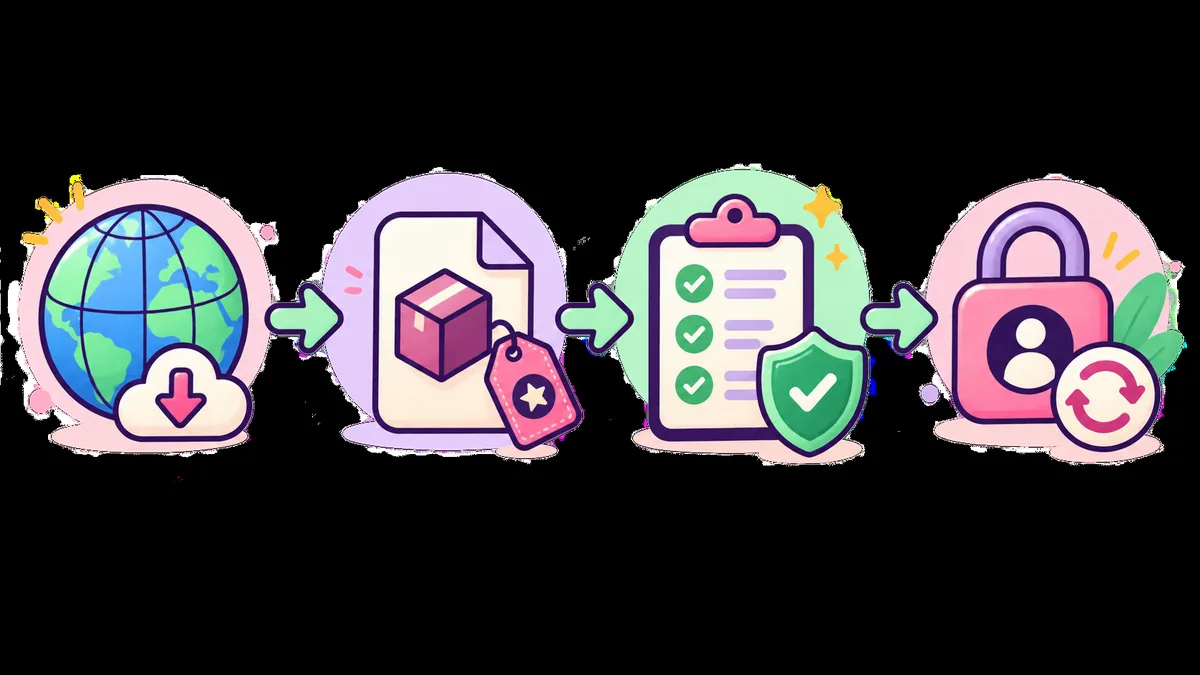
Do not let a feature list rush the decision. A package that has no traceable publisher, changes host repeatedly, requires an extra installer, or asks for credentials on a web page has not earned trust. A mismatch between the claimed version, file size and architecture is also a stop signal, not an invitation to disable Android protections.
The current v13.0 full build is published for 64-bit Android. If your phone is 32-bit-only, use the 32-bit compatibility guide instead of guessing that an old mirror is compatible. If the problem is a login challenge or suspicious session, use the login guide and official account-recovery path before changing APKs.
- The publisher or final file host cannot be identified.
- The page asks for a second installer, a password, a session file or a shortened download URL.
- The file size, architecture, package identity or signature does not match the stated release.
- The device is 32-bit-only while the current release is 64-bit.
- The app behaves unusually after sign-in; secure the Instagram account before troubleshooting further.
How does the current v13.0 release fit the decision?
The official download page currently lists Honista v13.0 at 152.9 MB for Android 9+ and 64-bit / arm64-v8a devices. A byte-range request to the stable `app.honista.com/Honista_v13.0__x64.apk` address returned HTTP 206 and a total size of 160,332,392 bytes on August 16, 2026. These facts identify the verified full build checked in this review; they do not turn every file labeled “v13.0 mod” into the same package.
Use the official download page and its update guide when checking a release. If the developer publishes a new version, the version, size, architecture, CTA and installation notes should be checked again before this article keeps calling v13.0 current.
Honista Mod APK FAQ
Is Honista Mod APK official Instagram?
No. Honista is a third-party modified Instagram client. It may offer extra controls, but it is not the official Instagram app or a Meta-supported package.
What features can Honista Mod APK have?
Common claims include media controls, visibility settings, themes, interface customization and feed filters. Check the current release notes and the exact package instead of assuming every mirror contains the same functions.
Is Honista Mod APK safe?
No web page can guarantee that a third-party APK is safe. Check provenance, file identity, permissions, package behavior and Instagram account risk, and keep Android security controls enabled.
Can I install the current Honista v13.0 on a 32-bit phone?
The current verified full release is published for 64-bit / arm64-v8a Android. A 32-bit-only phone needs a separate compatibility decision; do not trust an unverified old mirror just because its filename says v12 or v11.1.
Why does this page avoid mirror download links?
A mirror label does not prove the publisher, signature, architecture or exact bytes. The site links the verified source path and explains how to compare a file rather than inventing an archive or safety claim.