
What does Honista Ghost Mode do?
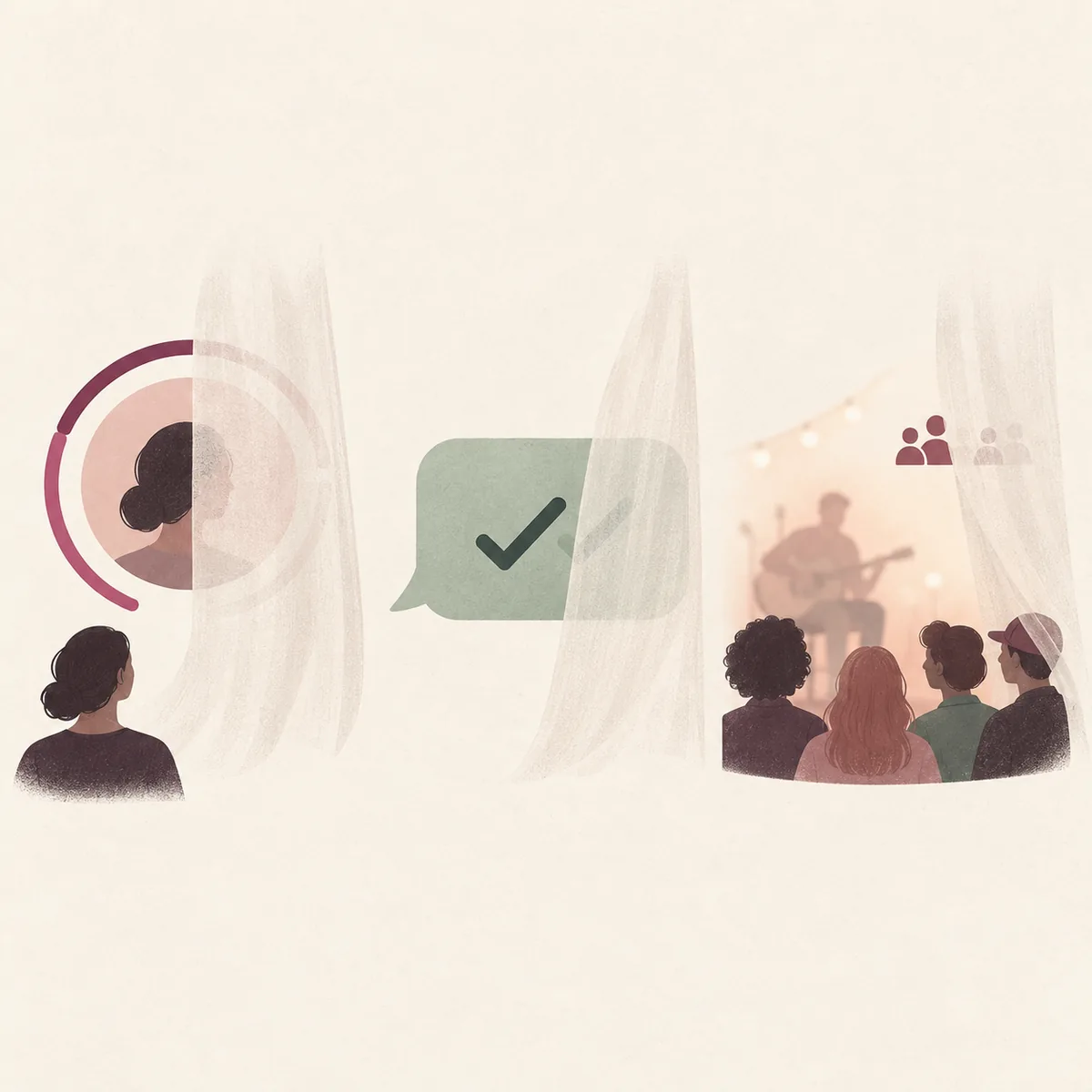
The official Honista feature page says Ghost Mode can let a person view stories without sending a seen signal, read conversation messages without sending that they were viewed, and join a live broadcast without appearing in its viewer list. The page also says the displayed live viewer count does not change. Those are the specific effects this guide treats as documented.
That description is not the same as proof that every activity becomes invisible. The source reviewed does not confirm hidden online status, hidden typing indicators, anonymous profile visits, or a guaranteed result for every account and app release. Check the feature in the version you actually use, and do not rely on it for sensitive conversations or situations where a visible receipt could cause harm.
The three Ghost Mode effects Honista describes
Honista groups Ghost Mode around three different actions. Keeping them separate makes it easier to verify a claim and avoids treating one privacy control as a blanket promise about the whole account.
The feature page is a product description, not an independent test report. Use the table as a scope check, then compare it with the current app build and the official Honista changelog.
| Action | Effect described by Honista | What to verify |
|---|---|---|
| Viewing a story | A seen signal is not sent | Whether the control is present and active in your installed build |
| Reading a message | The other person is not told that the message was viewed | Whether the behavior applies to the conversation type you are checking |
| Joining a live broadcast | Your name is omitted from the viewer list and the count does not change | Whether both the name and count behave as described in a controlled test |
How to check Ghost Mode in your current Honista version
The official page reviewed for this guide explains what Ghost Mode is intended to do but does not provide a verified sequence of taps or a stable settings label. Menu layouts can differ by release, so instructions that insist on one exact route may send you to a control that has moved or does not exist in your build.
- Confirm the buildOpen the app information shown by your installed copy and note its version. Compare release details with the official changelog before following an older tutorial.
- Inspect relevant settingsReview the privacy, story, conversation, and live-related areas available in your own app. Look for a control whose wording clearly matches the action you want to change. Do not infer that a similarly named option covers all three actions.
- Stop if the control is unclearIf no matching option appears, do not guess a hidden menu path or install another package to find it. Check a current first-party release note or wait for clearer documentation.

A cautious way to verify a privacy control
A small, controlled check can reveal whether a setting appears to work in one situation. It cannot establish how the app behaves on every device, account, network, or future release. Keep the test low-risk and use accounts whose owners have agreed to participate.
For example, two consenting people can use a non-sensitive test story or message, change one clearly identified control, and compare what each account sees. Test story views, message receipts, and live viewer behavior as separate cases rather than switching several settings at once.
- Record the app version and the exact control label before testing.
- Change one setting at a time so the result has a clear cause.
- Use only a consenting test account and ordinary, non-sensitive content.
- Repeat after an update if you depend on the behavior, and treat a changed result as a reason to stop relying on it.
What Ghost Mode does not establish
Ghost Mode is a feature claim made by a modified app. It is not a guarantee that Instagram's servers, notifications, screenshots, or every client version will behave in a particular way. A successful test in one account and one release is evidence about that case only; it is not proof of universal anonymity.
The official page reviewed here does not say that Ghost Mode hides online or active status, typing indicators, profile visits, or every interaction. Search snippets and third-party download pages sometimes add those claims, but they are not enough to extend the documented scope. Treat each claim as unverified unless a current first-party source names it and you can confirm the control in your own build.
- Do not assume that stories, messages, and live broadcasts share one setting.
- Do not use Ghost Mode to access an account or content without permission.
- Do not treat an unchanged viewer count as proof that no server-side record exists.
Protect your account while evaluating a modified app
Honista is a modified Instagram client distributed outside the standard Instagram app experience. Any app that handles an account login deserves careful source and permission checks. A privacy label does not prove that a package is authentic, that its code is secure, or that your account is protected from enforcement or access problems.
Before signing in, confirm that the package came from a source you can identify, review Android permissions, keep your account recovery options current, and avoid sharing passwords or verification codes with support accounts. If you are unsure about the package or the behavior of a setting, use the official Instagram app or website for sensitive account actions.
- Use a unique password and keep two-factor authentication and recovery details available.
- Review the broader Honista source and account safety guide before installing or signing in.
- For login or recovery trouble, see the Honista login guide instead of sending credentials to a third party.
Check the source again when Honista changes
This article was checked against the feature description on the Honista website and its release changelog on October 23, 2026. The feature page is the source for the three stated Ghost Mode effects; the changelog provides release context, not proof that a control works for every user.
If the app adds, renames, or removes a privacy control, the current release notes and your installed build should take precedence over older walkthroughs. The general Honista feature and source-check guide covers how to evaluate feature claims, while the media guide explains a separate download task that Ghost Mode does not document.
Honista Ghost Mode FAQ
What does Honista Ghost Mode hide?
Honista describes three effects: viewing stories without sending a seen signal, reading conversation messages without sending a viewed signal, and joining a live without appearing in its viewer list. It also says the live viewer count does not change.
Does Ghost Mode hide my online status?
The official feature page reviewed for this guide does not confirm that Ghost Mode hides online or active status. Treat that claim as unverified unless a current first-party source documents it.
Where is the Ghost Mode setting in Honista?
The source reviewed does not confirm a fixed menu path. Check the settings in your installed version and compare the control label with current official release information instead of relying on an old tap-by-tap guide.
Does Ghost Mode guarantee anonymous viewing?
No universal guarantee is established. A feature description or one successful test does not prove identical behavior across every account, device, network, or release.
Can I test whether a story or message control works?
You can make a low-risk check with another consenting account, non-sensitive content, and one clearly identified setting at a time. Do not test on someone else's account or treat the result as a guarantee.
Does Ghost Mode change the live viewer count?
Honista's feature page says that the count does not change and that your name is not shown. Verify both details in a controlled test because one observation cannot prove every release behaves the same way.