What does a Honista view once preview mean?
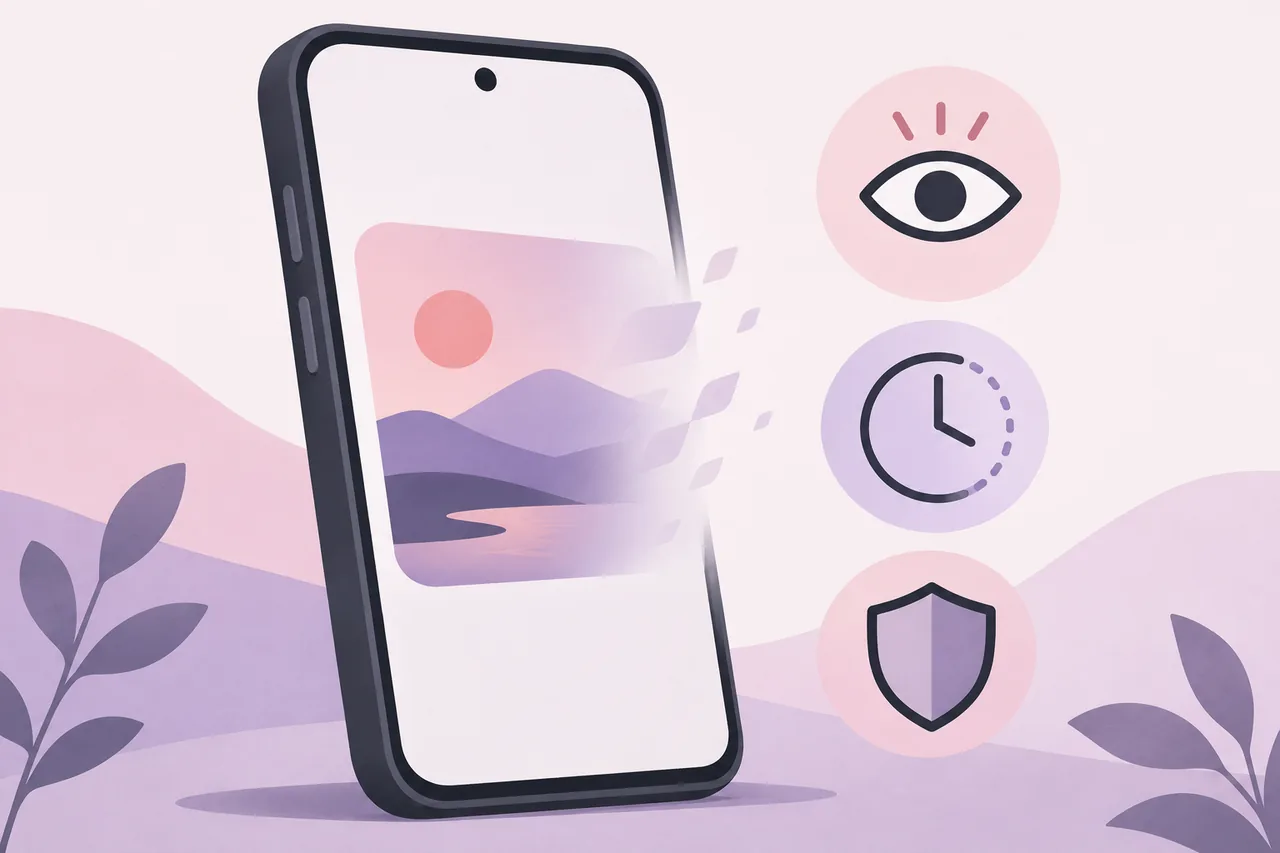
A view once preview is a short look at temporary media. Check what happens next: does it close, replay, change a view signal or create a local copy? Those are separate behaviors.
The public Honista pages reviewed for this guide describe a magic button, media tools and Ghost Mode, but they do not publish a stable, first-party promise that every Instagram view-once item can be previewed or saved. A third-party changelog mentions “View Once Media” among download features, yet that statement is not an independent test and does not define how Instagram servers handle a particular conversation.
Use Honista view once preview as a search boundary, not a guarantee. If the control is missing or the result could expose private content, stop and ask the sender before opening it.
- A preview is not the same as a download, replay, screenshot exemption or anonymous view.
- Check the installed build and the exact control label instead of copying an old tap path.
- Use the Ghost Mode guide for view and read-signal claims; this page covers a different media boundary.
Preview, replay, download and privacy are different actions
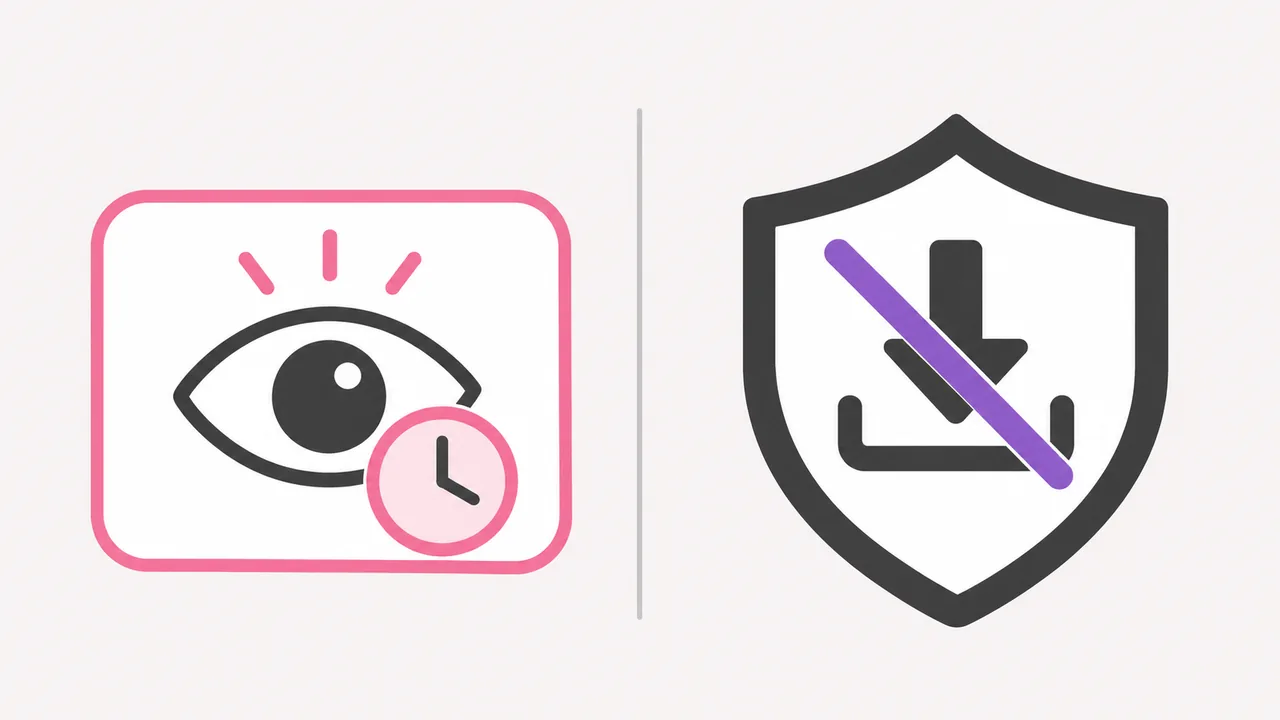
Search results often compress several actions into one feature label. A preview can mean that a client renders a low-resolution frame, opens a temporary viewer, or shows metadata before the full item loads. Replay means the same account can open the item again. Download means a file is written to local storage or exposed through a share action. Privacy means a view, read, screenshot or presence signal is handled in a particular way. None of these terms automatically includes the others.
The table below is a decision aid for a real conversation. It does not describe a guaranteed Honista implementation. Record what you actually observe in your release, and avoid testing on sensitive messages or on an account whose owner has not agreed to the check.
A button named Preview does not prove that activity is hidden, no copy was created, or a deleted item can be recovered. A label is not a statement about server logs, notifications or storage.
| Action | What you may observe | What it does not prove |
|---|---|---|
| Preview | A temporary frame or viewer opens | That the full file was saved or can be replayed |
| Replay | The same item opens again | That every account or release behaves the same way |
| Download | A file appears in a folder or share sheet | That reuse is permitted or invisible to the sender |
| Privacy control | A view or read signal appears different | That no server-side record or screenshot exists |
What Honista's public sources confirm and leave open
The official Honista feature page describes a magic button for media and other content tools, plus Ghost Mode effects for stories, messages and live viewer lists. Those descriptions support a careful statement: Honista presents controls intended to change how some content actions work. They do not provide a fixed menu path or a universal rule for one-time media in every Instagram conversation.
The official changelog gives release context, not a lab test; features may change with Instagram or later Honista builds.
Check first-party notes, inspect your controls, then test only with permission. A mirror or snippet cannot make an unconfirmed claim a guarantee.
- Official feature copy is evidence of what Honista says it intends to offer, not proof for every account.
- A changelog gives release context; it does not replace a controlled test.
- Do not send passwords, session cookies or view-once media to a support account or mirror.
How to check a Honista view once preview safely
A useful check changes one variable and keeps the content low risk. Use a test account or a consenting friend, choose a harmless image, and agree in advance whether the test item may be opened, replayed or deleted. Do not use someone else's private message, a sensitive image or a real account recovery conversation as your experiment.
Before opening anything, record the Honista version, Android version, account type and the exact label you saw. If the feature came from an update or a mirror, save the source URL and check whether the package matches the release information. This makes it possible to tell a changed build from a misunderstood control.
Observe without bypassing a restriction. If a file appears or the app requests unrelated access, stop and review it; a failed preview is not a reason to install another APK.
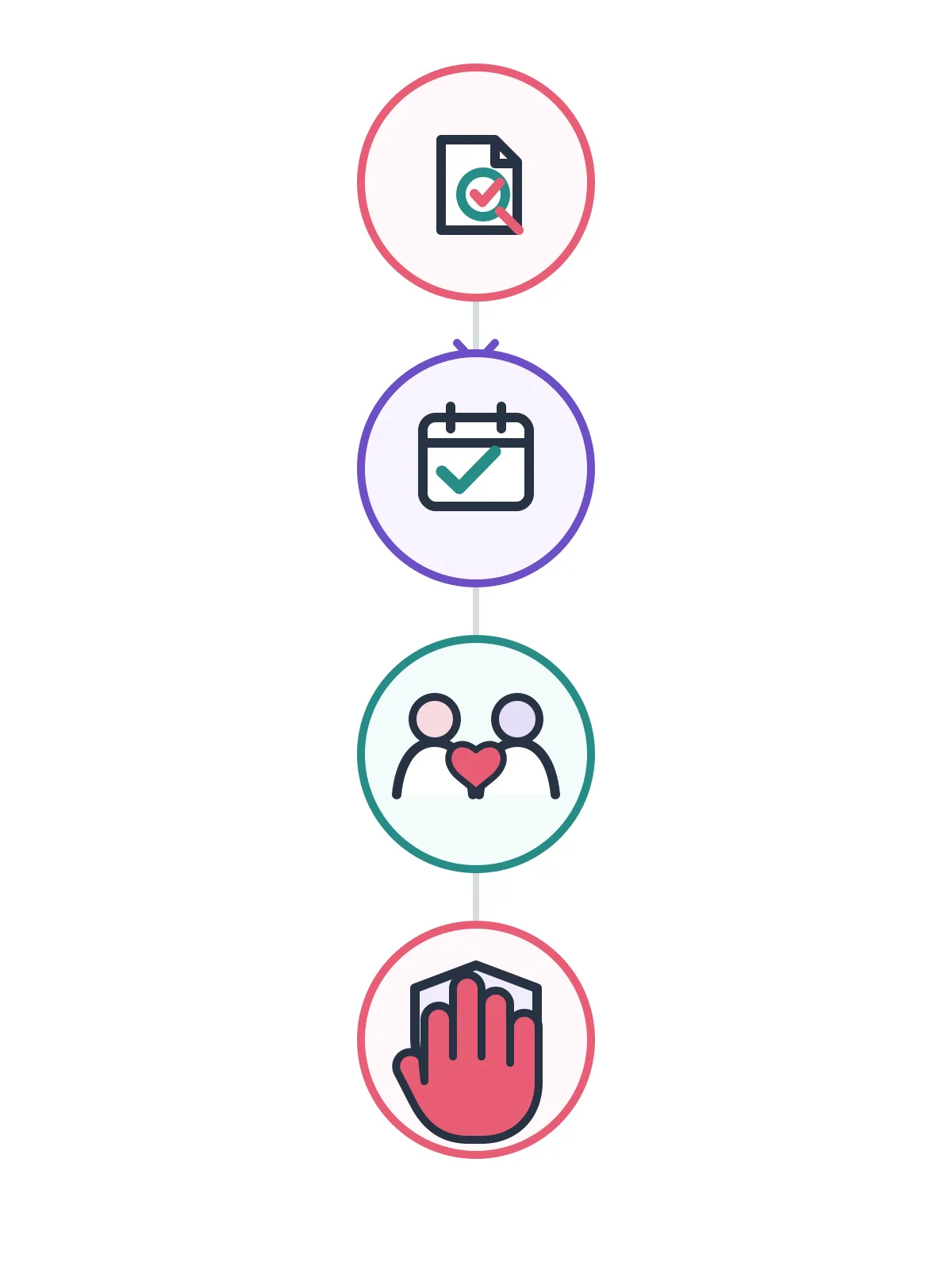
- Confirm the sourceOpen the current first-party Honista page and compare its release wording with your installed build. Do not treat a copied mirror description as official.
- Use consented mediaAsk another participant to send a harmless temporary image or video for the test. Agree that both people may stop immediately and that the item will not be reused.
- Change one controlOpen only the setting or magic-button option that you are checking. Record whether the item previews, closes, reopens, creates a local file or changes a visible receipt.
- Stop and documentIf the control is missing, the behavior is unclear or the app requests unrelated access, close the test. Keep the version, date and observation, then use the official client for sensitive activity.
Why the preview may be missing, blank or one-time only
A blank viewer does not identify one cause. The sender may have removed the item, the conversation may not support the same media type, the Instagram base may have changed, or Honista may have disabled a tool for the current release. Network filtering, storage pressure, Android WebView problems and an incomplete package can also change what the client renders.
Confirm ordinary media in official Instagram, try another network and restart Honista. Do not clear app data before confirming you can sign in again. Use the troubleshooting guide if the whole app fails.
If the item opens once and disappears, treat that as the boundary unless current release notes say otherwise. Repeated refreshes, copied links or older packages may add risk without restoring it.
- The sender, media type, account state or Instagram base may limit the viewer.
- A missing control can mean the feature moved or was removed, not that a hidden switch is waiting elsewhere.
- Do not clear storage, downgrade or install a mirror just to force a replay.
Respect the sender's boundary even when a preview appears
A temporary message is a communication choice. Seeing a frame does not grant permission to copy, photograph or share it. Technical access and consent are different; ask before reusing private media.
Ghost Mode and a view-once preview also answer different questions. Ghost Mode claims to affect signals such as story views, message receipts and live viewer lists. A preview describes how media is rendered. One does not prove the other, and a privacy label cannot guarantee that Instagram, Android or the sender sees nothing.
Use a known source, keep Android protections enabled and never share credentials with helpers. Use official Instagram for passwords and account recovery; see the safety guide for source checks.
- Ask for permission before saving, recording or forwarding temporary media.
- Do not assume a preview bypasses view, read, screenshot or server-side records.
- Use the official Instagram app for account recovery and other sensitive actions.
Which Honista guide should you use next?
This page covers temporary preview, a consent-based check and evidence limits. It does not provide a view-once download or claim to defeat Instagram privacy settings.
| Your task | Use this page | Why |
|---|---|---|
| Temporary media preview | This view-once preview guide | Clarifies preview, replay, download and privacy boundaries |
| Save an accessible video or Story | Media download guide | Covers storage, permissions and rights limits |
| Login or 2FA problem | Login guide | Keeps account recovery on official channels |
| Crashes or blank feed | Troubleshooting guide | Uses a least-destructive diagnostic order |
What this guide cannot prove
No public article can prove how every build, account or conversation handles one-time media. A test describes that case only; record the version and result.
Official sources describe broader tools, not a universal view-once promise. Search metrics do not validate private-media behavior. Test with consent and a clear stop condition.
If the preview works, respect the sender's boundary; if it fails, leave the content alone and use the official app or a verified support path.
- Record version, date, control label and observed result instead of claiming universal behavior.
- Never use a preview test to access content without permission.
- Return to official Instagram for sensitive messages, passwords and account recovery.
Honista View Once Preview FAQ
What is a Honista view once preview?
A short rendering of temporary media; it does not prove replay, download or anonymous viewing.
Can Honista preview view-once photos or videos?
Third-party lists mention it, but first-party pages make no universal promise. Check your build with consent.
Does a preview save the media to my phone?
Not necessarily. A preview and a download are separate; check permissions and storage.
Does view once preview hide that I opened the message?
No universal privacy result is established. Preview does not prove that view or read records are absent.
Why is the view-once option missing in Honista?
The release, media type or account may not support it. Do not install an older random APK.
How can I test the preview without breaking trust?
Use harmless media, a consenting participant and one control; stop if the result is unclear.
Is downloading view-once media allowed?
Technical access is not permission. Ask the sender before saving or sharing private media.
What should I do if Honista crashes during a preview?
Stop, check the account in official Instagram and use the troubleshooting guide before reinstalling.