What does Honista profile picture download mean?
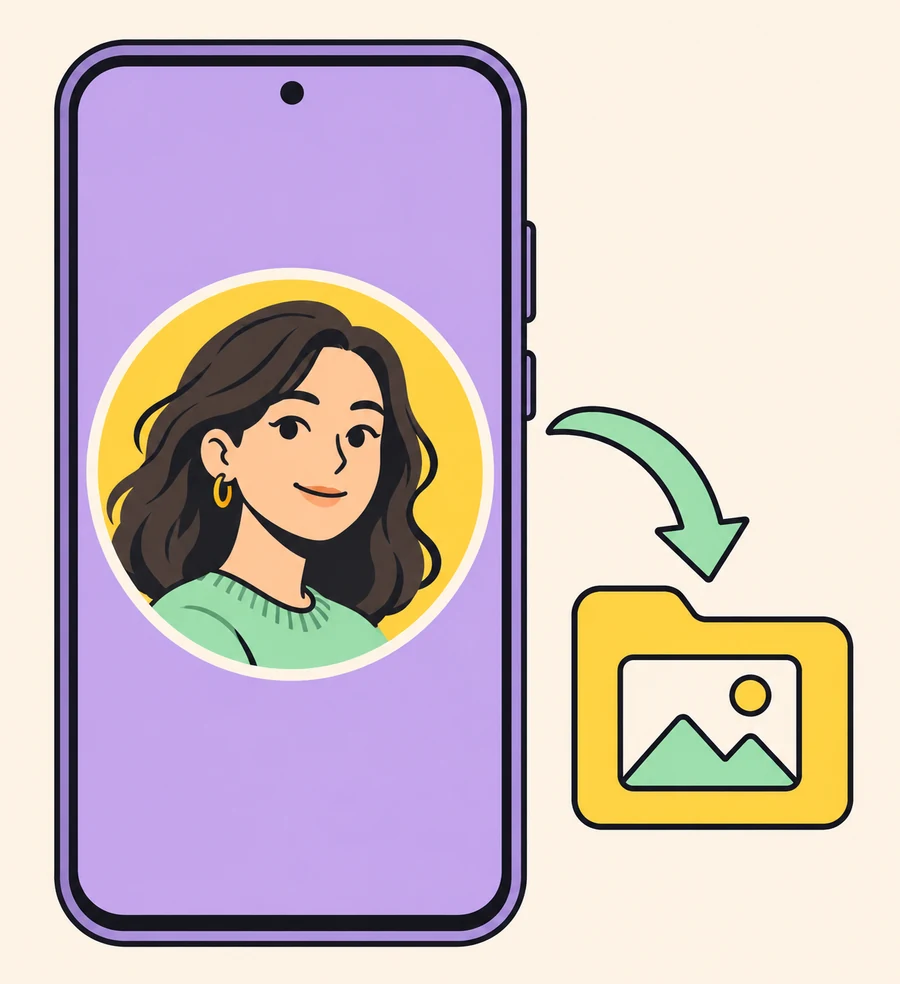
Honista profile picture download describes a focused media task: open an Instagram account image, view it at a larger size, and save the image when the current app build exposes that action. It is narrower than downloading a video, Reel, or Story. The expected output is a local image file, not access to an account that your signed-in profile cannot legitimately view.
The official Honista features page says that, unlike Instagram, Honista supports zooming in on a user's profile picture and downloading it as well. That is evidence of the feature the developer describes. It is not an independent guarantee about every device, account, resolution, or future release. Treat the wording as a starting point, then check the exact control in your own installation.
If your goal is a video, Reel, or Story, use the separate Honista media download guide. If your question is whether a view or read signal is hidden, read the Ghost Mode guide. Keeping these tasks separate prevents a profile-picture control from being mistaken for a privacy or access bypass.
- A visible account photo may be zoomed or saved when the current build provides the feature.
- A download action does not reveal a deleted image or grant access to a private profile.
- A saved copy can be subject to the photographer's or account owner's rights and expectations.
- A missing button is a reason to check visibility, build, permission, and storage before installing another APK.
| What you want | What must be true | What the result can mean |
|---|---|---|
| View a public profile photo | The account and image load for your signed-in profile | The image may open in a larger viewer |
| Save the visible image | The build exposes a save action and Android allows the needed media access | A local file may appear in the chosen gallery or folder |
| Open a private profile photo | Your account already has legitimate access | Honista cannot create access that Instagram did not grant |
| Recover a removed or blank image | The server still returns a usable image | Reinstalling cannot recreate content that is no longer available |
What the official feature page actually says
The official feature page places profile-picture support in a list that also mentions downloading images and videos, downloading Stories, developer options, copying bios, identifying followers, copying comments, and content controls. The useful fact for this article is specific: the page names zooming a user's profile picture and downloading it. It does not publish a guaranteed pixel dimension, a universal file type, a fixed tap path, or a promise that private profiles become visible.
The same page is a product description, not a controlled test report. A page can explain intended functionality while the actual result depends on the Instagram response, the account state, the Android version, the Honista build, and available storage. The official changelog is the better place to check whether a later release moved or changed a control, but a changelog still does not test every account.
Use the claim responsibly in an article or support conversation: Honista says the feature exists, and a user can check whether their build exposes it. Do not rewrite that into “download any private profile picture,” “save the original camera file,” or “download without the owner's knowledge.” Those are separate claims that the cited page does not establish.
- The official source supports a zoom-and-download feature claim, not a fixed menu path.
- The source does not state that a saved file is always the original upload resolution.
- The source does not say that a private or blocked account can be opened.
- Release notes and your installed build take priority over an old tutorial screenshot.
| Statement | Evidence level | Safe wording |
|---|---|---|
| Honista can zoom a profile picture | Named on the official features page | The feature is described by the developer |
| Honista can download that picture | Named on the same page | The current build may expose a save action |
| Every profile is downloadable | Not established | Check visibility and account access first |
| The file is always full resolution | Not established | Inspect the saved image and describe quality honestly |
How to view, zoom, and save a profile picture in Honista
The exact labels can move between releases, so follow the purpose of each step rather than copying a single tap path from a mirror. Start with a harmless public account or a profile whose owner has agreed to the test. This keeps a missing control from turning into a risky package change or an accidental attempt to access private content.
A successful Honista profile picture download should have a visible start and a verifiable end: the image opens, the save action completes, and the file manager can find a readable image. If one of those points is missing, record the symptom instead of assuming that a different APK will solve it.
- Open an account you can viewUse the account search or a profile link already available to your signed-in account. Confirm that the profile photo loads normally before testing the extra control.
- Open the profile-photo viewerTap the profile picture or the related media action exposed by your current Honista build. Look for a zoom, view, save, or download action whose purpose is clear; do not guess at hidden menus.
- Check the image before savingCompare the enlarged crop with the small avatar. A larger display can improve inspection without proving that more source pixels exist. Stop if the viewer is blank or shows an unrelated file.
- Grant only the needed Android accessIf Android asks for photo or file access, read the system prompt and grant the narrow permission needed for the save. Reject unrelated contacts, microphone, or credential requests.
- Save and verify the outputChoose the app's destination or a folder you can find, then open the file manager. Confirm the extension, dimensions, file size, and that the picture opens without a partial-download error.
Quality, file type, and private-profile limits
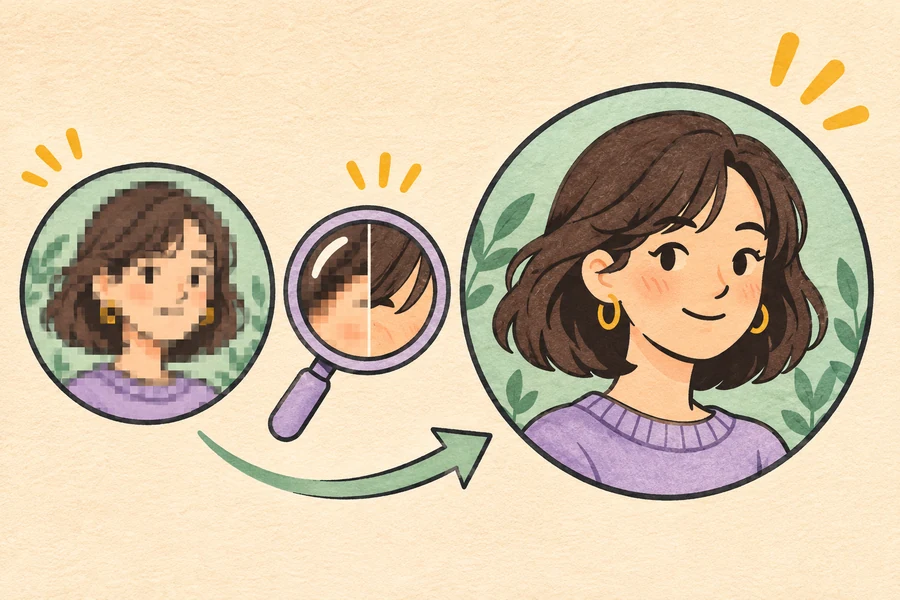
A profile picture is often a small, circular crop. When Honista enlarges it, the viewer may show more of the available image, but scaling cannot recreate detail that Instagram or the source account did not deliver. A saved file can therefore be useful for identification or personal reference while still looking soft when opened at full screen. Describe the output as the available image, not automatically as the original upload.
The file type and destination can depend on Android and the current app build. Check the file manager rather than assuming that every save is JPG, PNG, or a particular folder. Compare the file's dimensions and size with the image you actually opened. A zero-byte file, a file with an unfamiliar extension, or a picture that cannot open is a failed save that needs diagnosis.
Private profiles need a separate boundary. If your account can see a private profile picture because the owner accepted it, saving that visible image is still different from bypassing a privacy setting. If your account cannot see the photo, Honista should not be treated as a method to unlock it. Do not use another person's password, session cookie, scraper, or mirror tool to force a result.
- Zooming changes the viewing scale; it cannot guarantee original-resolution pixels.
- Read the actual extension, dimensions, and file size after saving.
- A private account remains private to accounts that do not have legitimate access.
- Do not repost or use an image commercially simply because a local copy exists.
| Observed result | Likely interpretation | Next check |
|---|---|---|
| Large but soft image | The source avatar has limited detail or was scaled | Inspect dimensions and avoid promising original quality |
| Image opens but is cropped | The viewer or source uses a circular crop | Compare the visible framing with the profile page |
| Zero-byte or unreadable file | The save did not complete | Check storage, permission, network, and destination |
| No image for an inaccessible account | The account or server did not provide it | Do not attempt a privacy bypass |
Permissions, privacy, and consent before you keep a profile photo
An Android save prompt should match the task. A photo or file permission can be relevant when the app needs to write an image, while a request for contacts, call logs, accessibility control, or login credentials is not explained by a profile-picture download. Read the system prompt, grant the smallest useful scope, and remove a temporary install-source permission after you finish evaluating the package.
The image may identify a real person. Ask the account owner when the context is private, sensitive, or unclear, and keep a personal copy separate from public redistribution. A local file is not a license to repost, impersonate, edit deceptively, or use the picture in a commercial profile. The safer article boundary is simple: save only what you can view and are allowed to keep.
Honista is a third-party client, so source checks still matter even when the feature is convenient. Keep the official Instagram recovery route available, never enter a password into a downloader page, and do not send cookies, session files, recovery codes, or two-factor codes to anyone offering to unlock a profile-picture feature.
- Use the Android permission prompt as a scope check, not a formality.
- Ask before saving a sensitive image or sharing it outside the original context.
- Keep account credentials and recovery codes out of feature-testing workflows.
- Read the Honista safety checklist before installing an unfamiliar package.
When the Honista profile picture option is missing
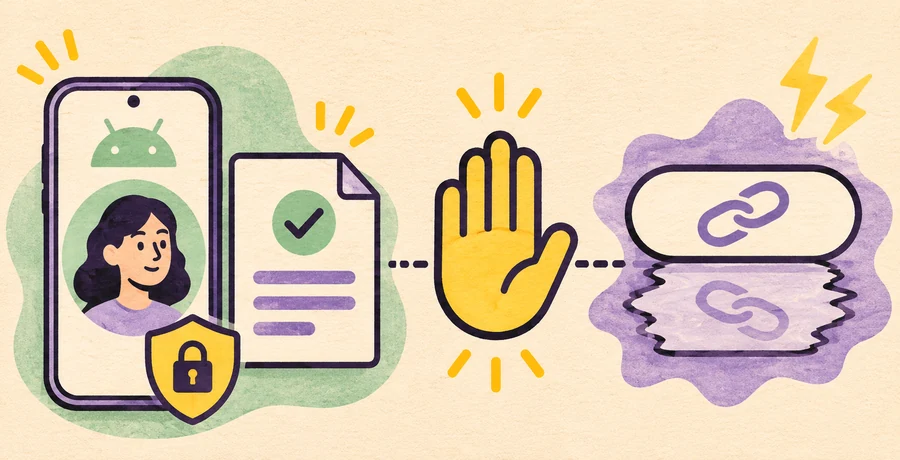
A missing profile-picture action does not identify one cause. The account photo may be unavailable, the profile may be private to your account, the current build may have moved or removed the control, or the app may be waiting on a network response. Start by checking whether the same profile opens in the official Instagram app or website. If it fails there too, the problem is access or availability rather than a missing Honista button.
If the photo loads but the save fails, switch between Wi-Fi and mobile data, check free storage, review the media permission, and try one ordinary public profile. Confirm that the destination folder is writable and that Android did not create a partial file. Do not clear app data before confirming that you can recover the Instagram account and that you know the current source of the installed package.
For wider crashes, login loops, blank feeds, or several broken features, use the ordered Honista troubleshooting guide. Reinstalling a random mirror just to restore one profile-picture control can introduce a larger package, account, or privacy risk.
- Photo missing everywhere: check account visibility, deletion, and the official Instagram view.
- Photo visible but save missing: check the build, menu labels, permission, storage, and destination.
- File is partial: remove only the incomplete copy, then retry once after checking space and network.
- Several features fail: compare the official app and follow the safer troubleshooting order.
- A tutorial requests a new APK, password, or session file: stop and verify the source.
| Symptom | Safe first check | Avoid |
|---|---|---|
| No profile photo loads | Compare the same account in official Instagram | Assuming Honista can reveal a hidden image |
| Zoom action is absent | Check the current release notes and visible profile controls | Installing an unknown mirror immediately |
| Save button does nothing | Check permission, storage, destination, and a public test profile | Granting every Android permission |
| App crashes or loops | Use the broader troubleshooting and login guides | Sharing cookies, passwords, or recovery codes |
Check the source and release before installing Honista
The official feature page is the right place to verify that Honista describes profile-picture zoom and download. The official homepage checked on November 15, 2026 still identifies the Android product as Honista v13.0, but this article intentionally does not turn that title into a new direct APK promise. Version labels, file hosts, package signatures, and feature controls can change; use the current official download and changelog pages when you make an installation decision.
Compare the publisher identity, final host, filename, architecture, and visible version before opening an APK. If a page promises a private-profile bypass, asks for an Instagram password, hides the final host behind a survey, or offers a helper installer, close it. A profile-picture feature is not a reason to disable Android security or to treat a copied changelog as first-party evidence.
For source, account, and permission risks, read the Honista Mod APK source guide and the safety checklist. For update order and settings preservation, use the update guide. The conversion path on this page returns to the site's existing verified download route rather than inventing an external avatar tool.
- Use the official features page for the feature claim and the changelog for release context.
- Keep version, host, architecture, and file identity checks separate from visual feature claims.
- Do not call a mirror official because it copies the same profile-picture wording.
- Use the existing verified Honista download route if you decide to install.
| Signal | Safer response | Stop signal |
|---|---|---|
| Official feature page | Read the exact zoom/download wording | A third-party page is the only source |
| Known download route | Compare host, file, version, and architecture | A shortened URL or helper installer |
| Android permission prompt | Grant only the media access you understand | Unrelated account or device access |
| Profile-picture result | Check consent, quality, and file integrity | A claim that private access is bypassed |
Honista profile picture download FAQ
Can Honista download an Instagram profile picture?
The official Honista features page says the app supports zooming a user's profile picture and downloading it as well. The actual control and result depend on the current build, account access, image response, Android permission, and storage.
How do I zoom a profile picture in Honista?
Open a profile that your account can view, tap the profile picture or its media action, and look for the zoom or viewer control exposed by your installed build. Menu labels can change, so use the current feature wording rather than an old screenshot.
Can Honista download a private profile picture?
Only when the signed-in account already has legitimate access to the image. Honista should not be treated as a way to bypass a private profile, deleted media, or a blocked account.
Will the saved profile picture be full resolution?
Not necessarily. A zoomed viewer can show more of the available crop, but it cannot recreate pixels that the source did not provide. Check the saved file's dimensions, size, and quality before describing it as original.
Where does Honista save a profile picture?
The destination depends on the current build, Android version, permission scope, and selected folder. Use the device file manager to confirm the extension, size, and location instead of assuming a fixed gallery path.
Why is the profile-picture download button missing?
The profile may be inaccessible, the image may not load, the build may have moved or removed the control, or storage and permission conditions may block saving. Compare official Instagram, one public test profile, network, storage, and the current release notes.
Is an external Instagram DP downloader the same as Honista?
No. A web downloader is a separate service with its own input, privacy claims, and source. This guide uses external results to understand search intent and does not endorse a third-party tool or ask for Instagram credentials.
Is saving someone else's profile picture allowed?
Visibility is not the same as permission to republish or use an image commercially. Ask when the context is sensitive, keep a personal copy within the permitted purpose, and respect copyright, privacy, and platform rules.
Should I install another Honista APK if the feature fails?
Not as a first step. Check account access, official Instagram, the current build, permissions, storage, destination, and the verified source. A random mirror can add package, account, and privacy risks.